Defence
The security worth actually doing when you are one person with a laptop, a server, and everything to lose.
Defence is the security practice behind a one-person operation. There are six habits. Unique credentials on every account. A second factor that is not a text message. Secrets kept out of every repository. Backups you have actually restored. A network you control on public wifi. And knowing your rights before you need them.
Most security advice is written for organisations that have a security team, a budget, and a compliance requirement. None of that describes a person working alone. The realistic threat to a solo operator is not a targeted attack. It is a reused password surfacing in someone else's breach. A convincing login page. A laptop left in a taxi. A single point of failure nobody noticed until the day it failed. What follows is the short list that actually moves those odds, written as what I think anyone in this position should do.

Credentials
Every account gets a unique credential you have never seen and could not recite. That single change removes most of the realistic risk.
- Unique
- Every account, no exceptions
- Generated
- Long and random, not chosen
- Master
- A passphrase, several words
- Check
- Your address against a breach index
- On a hit
- Retire that password everywhere
The attack that gets ordinary people is almost never clever. A service you signed up to years ago gets breached. The credentials from that breach get tried against every other service, automatically, at enormous scale. If you reused anything, the second account falls without anyone targeting you specifically.
A password manager fixes this completely, and it is the highest-return security decision available. It generates long random credentials, stores them encrypted, and fills them for you. The practical effect is that you stop knowing your own passwords, which is the point. A credential you cannot recite is a credential you cannot be tricked into typing somewhere it does not belong.
The one password you do need to remember should be a passphrase rather than a complicated short string. Several unrelated words is both easier to remember and harder to attack than the usual mess of substituted characters. Complexity theatre optimises for looking secure to a policy checker, not for resisting an actual attack.
Then check your email address against a public breach index. If it appears with credentials listed, change that password everywhere it was ever used and treat it as burned permanently. This takes minutes and it tells you which of your accounts are already compromised, which is information most people simply do not have.
You are not being targeted. You are being included in a list. Uniqueness is what removes you from it.

The second factor
A second factor is what stops a stolen password from being enough. Which kind you choose decides whether it actually holds.
- Avoid
- Text-message codes where it matters
- Use
- Authenticator app, or a hardware key
- Better
- A passkey, where offered properly
- Backup codes
- Offline, and not on the same device
- Then
- Audit the recovery path itself
Text-message codes are far better than nothing and worse than most people assume. The weakness is that a phone number can be moved to another device. Someone persuades the mobile carrier to do it. That is a social problem rather than a technical one, and it has been done at scale. Anything protecting money or identity deserves better than a code sent to a number someone else can claim.
An authenticator app generates codes on the device itself, with nothing to intercept. A hardware key is stronger still, because it verifies the site as well as you, which means it refuses to authenticate against a convincing fake. Passkeys are the same idea built into the operating system. Where a service offers one properly, it is the best available option for most people.
The part almost everyone skips is recovery. When you enable a second factor you are given backup codes. Save them somewhere physical and somewhere that is not the device doing the authenticating. A second factor stored only on the phone you lost is not protection, it is a lockout waiting for a bad week.
Then look at the recovery path itself, because that is the real back door. If your account can be recovered by answering questions whose answers are on your public profiles, the second factor is decorative. Attackers do not defeat the front door when the side one opens with a security question about a pet.
The recovery path is the real front door. Secure that or the rest is decoration.
Keys and secrets
The rules for machine credentials are different, because they leak in ways passwords do not.
- Never
- A secret in any chat or ticket
- Store
- Outside every repository
- Pass
- By reference, never by copy
- Mark
- Deny-list the sensitive files
- Downloads
- Verify the hash before running
- On exposure
- Rotate, do not rationalise
The first rule is that a secret never goes into a conversation. Not into a chat window, not into a support ticket, not into a message to yourself. Anything typed into a transcript now exists in that transcript permanently, in logs and backups you do not control. If a key has been pasted somewhere it should not be, it is not a secret any more. The only fix is to rotate it.
Keys belong in a file that sits outside every code repository, and that file gets referenced rather than copied. The distinction matters more than it sounds. Passing a value by reference means it can be rotated in one place. Copying it means you will find it embedded in three projects two years from now, still valid, long after you forgot it was there.
Explicitly mark the sensitive files so tools do not read them by accident. Automation is helpful precisely because it reads widely. That is the same reason it will pull a credentials file somewhere public unless told not to. This is a one-line configuration and it prevents an entire category of mistake.
For anything you download and run, verify the published hash first. It costs seconds and it catches the case where a legitimate-looking file has been substituted. You do not need to upload the file anywhere. A hash lookup is enough. That also means never sending your own data to a scanning service to find out whether it is safe.
A secret that has been pasted into a transcript is not a secret. Rotate it and move on.
The only thing that makes a backup real is a restore you have actually performed. Until then you have a process that appears to run and produces files nobody has opened. Restore something small on a normal day, deliberately, and find out whether it works while the answer does not matter yet.
Layer them. Versioned local backups let you go back to yesterday when you break something today. A cloud copy survives the house burning down. Neither covers the other, and mirroring alone covers nothing, because a mirror faithfully replicates the deletion or the encryption that just ruined the original.
The layer people miss is one the machine cannot reach on its own. Ransomware encrypts everything writable from the compromised device, which includes the attached drive and the synced folder. The copy that survives is the one requiring physical action or separate credentials to write to. That is the difference between an incident and a catastrophe.
Then encrypt the devices themselves. Full-disk encryption is built into every current operating system, costs nothing, and turns a stolen laptop from a data breach into an inconvenience. One warning worth knowing: suspend encryption before a firmware or BIOS update. The firmware change alters what the security chip measures, and an unsuspended machine can drop into a recovery-key loop on the next boot. That is when people discover where their recovery key is not.
You do not have a backup until you have done a restore. Everything before that is a hope with a schedule.
Networks and browsers
Treat every network you did not configure as hostile, and stop one browser tab from being able to compromise everything else.
- Assume
- Any network you did not set up is hostile
- Choose
- A no-logs provider with a published audit
- Travelling
- Protect at the network, not per device
- Isolate
- Your own subnet, not a pass-through
- Fallback
- One that survives a restrictive network
- Browser
- Separate profiles for risky extensions
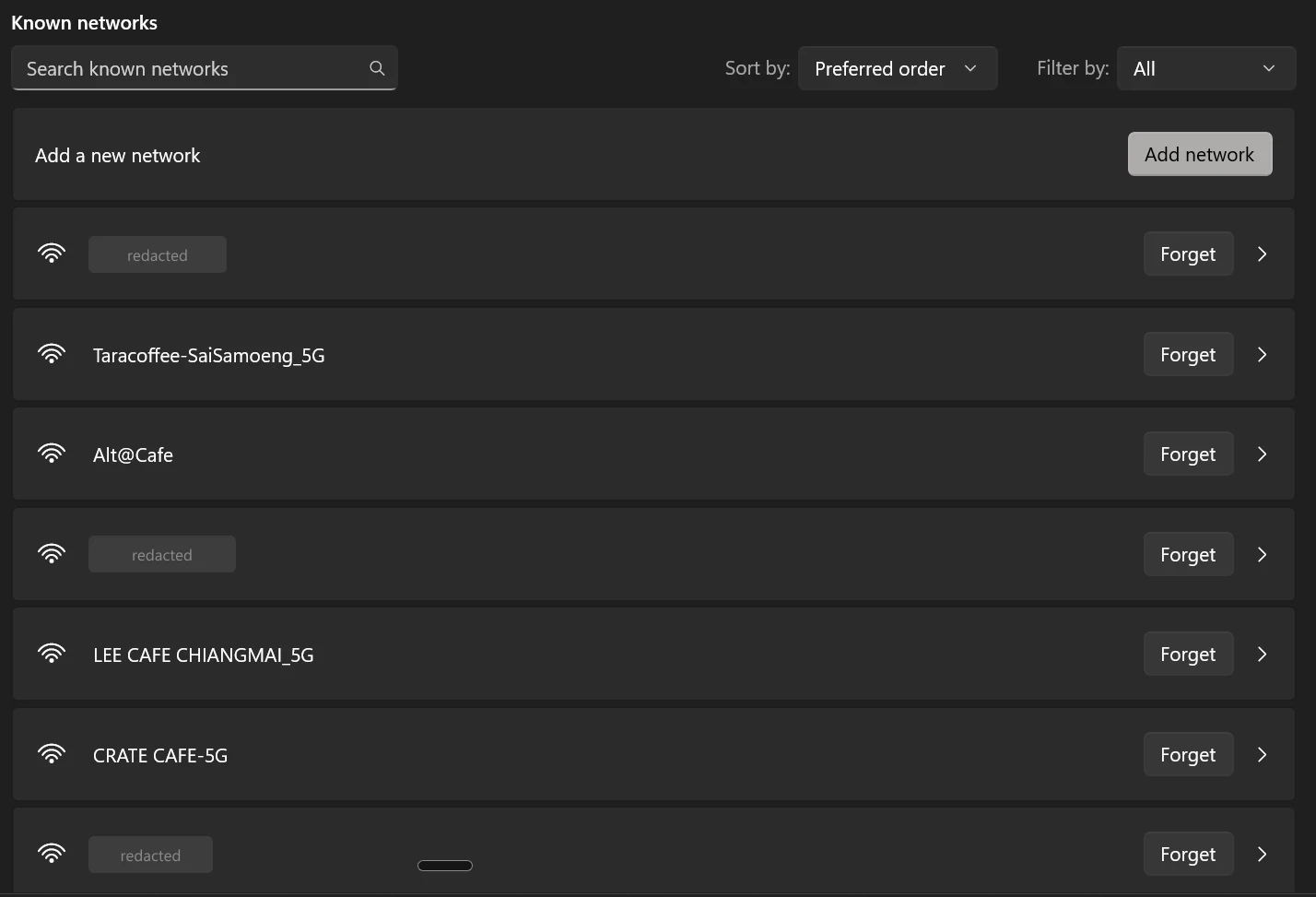
Public networks are not dangerous because someone is reading your traffic — almost everything is encrypted in transit now. They are dangerous because you have no idea what else is on them. A network you do not control also decides where your requests go. A reputable no-logs provider with a published independent audit closes most of that, and the audit matters more than the marketing.
If you travel often, doing this at the network level rather than per device is worth the small hardware cost. A travel router creates your own private network on top of whatever you connected to. Everything you own then inherits the protection without being configured individually. Keep it creating its own subnet rather than passing traffic straight through, so your devices are isolated from everything else on the host network.
Have a fallback ready. Some hotel and café networks block the protocols privacy tools normally use. A fallback that runs over the same port as ordinary web traffic looks like ordinary web traffic and passes through almost anything. Without it you will eventually be on a network where the tool silently does not work, which is worse than knowing it is off.
In the browser, separate your profiles. Keep the everyday one for things you trust and run anything experimental in a second, separate profile. Browser extensions are software with deep access to everything you look at. They update themselves silently. Ownership of a popular one changes hands more often than people realise. Install them one at a time, and keep the risky ones somewhere they cannot see your email.
An extension sees everything you see. Decide what it is allowed to be in the room for.

People and rights
The part of personal security that has nothing to do with computers, and gets skipped because it is uncomfortable.
- First
- Establish which of the three states you are in
- Then
- Silence and counsel, in one flat sentence
- Judging
- Evidence, then story, then behaviour
- Boundaries
- Short, and without explanation
- De-escalate
- Lower the temperature, do not concede
Any interaction with police is in one of three states, and your position differs completely in each. You are free to leave. You are being held but not arrested. Or you are under arrest. Establishing which one you are in comes before anything else you say. Asking plainly whether you are free to go is how you find out. People talk themselves into far worse situations by answering questions in the first state as though they had no choice.
If it goes further, one sentence covers it: that you are exercising your right to silence and want a lawyer. Then stop. Not to explain, not to be helpful, not to fill the silence. And not because staying quiet feels rude. That discomfort is exactly the mechanism the situation runs on. Rights differ by country and this is general, not legal advice, but the shape holds nearly everywhere. Anything said before a lawyer arrives is building somebody else's account of events.
There is a matching principle for judging other people, which is that behaviour never proves anything. The correct order is evidence, then whether the story holds together, then whether behaviour fits. Reversing it means deciding from someone's demeanour and then hunting for support. That is how confident people reach wrong conclusions and how investigations go bad. Nervous is not guilty. Calm is not innocent.
In ordinary conflict, most ground is lost by escalating too early. Default to flat and unbothered. State a boundary in a short sentence and do not attach an explanation, because an explanation is an invitation to negotiate it. And keep de-escalation separate from appeasement — lowering the temperature and returning to process is de-escalation, while over-apologising is surrender with better manners.
The urge to explain yourself is the pressure working. Nothing you add before a lawyer helps you.
General practice, not a security audit and not legal advice. Rights and obligations differ between countries. Some people have a specific threat model. A hostile ex, a legal matter, a business holding other people's data. If that is you, get advice for the situation rather than relying on a general list.