·7 min read
Claude Code + Obsidian: The Closest Thing to a Limitless Pill
How I turned Obsidian into Claude Code's long-term memory — a limitless-style second brain my AI agents pull from in milliseconds, instead of re-researching every task.

Most people use Claude Code like a fancy chatbot. You open a terminal, ask it something, it answers, you close the window. The context dies. Next time, you start from zero.
That's a waste.
Claude Code is at its best when it has a memory. Not a vibe, not a system prompt, not a clever rule file — a real, durable, searchable body of knowledge it can reach into on every task. For me, that memory is Obsidian. And once I plugged the two together, the whole thing started to feel less like AI tooling and more like a Limitless-style second brain.
This post is how I set it up, why it works, and what changes day-to-day when your AI agents have a real vault to pull from.
(For context on how I run the rest of my agency from one terminal window, see this post. This is the memory layer under all of it.)
Why Notion Didn't Work (And Obsidian Did)
I used Notion for years. It's beautiful. The databases are clean. The share links work. Your mum could use it.
But it has one fatal flaw for AI-first workflows: it lives behind an API. Every time Claude Code needs a note, it has to round-trip a request, pay a rate limit, and hope the block it wants isn't buried three toggles deep. Notion is a product. It's built for humans clicking around, not for agents reaching in at speed.
Obsidian is the opposite. It's just plain markdown files in a folder on your disk. No API. No auth dance. No rate limits. Claude Code can grep, read, and edit them at filesystem speed — which is to say, instantly.
That one architectural difference changes everything:
- Notion: AI assistant that has to ask permission to read your notes.
- Obsidian: AI assistant that is in your notes, right now, while you're talking to it.
If you're building a long-term knowledge system that AI agents will actually use, stop fighting this. Markdown-on-disk wins.
The "Limitless Brain" Architecture
Here's the mental model. You have two systems:
- Claude Code — the reasoning layer. Fast, context-aware, great at pattern matching, forgets everything the moment you close the terminal.
- Obsidian — the memory layer. Durable, structured, searchable, grows over time, remembers everything forever.
Alone, each one is useful but incomplete. Claude without memory is a goldfish with a PhD. Obsidian without reasoning is a pile of notes that only you can connect.
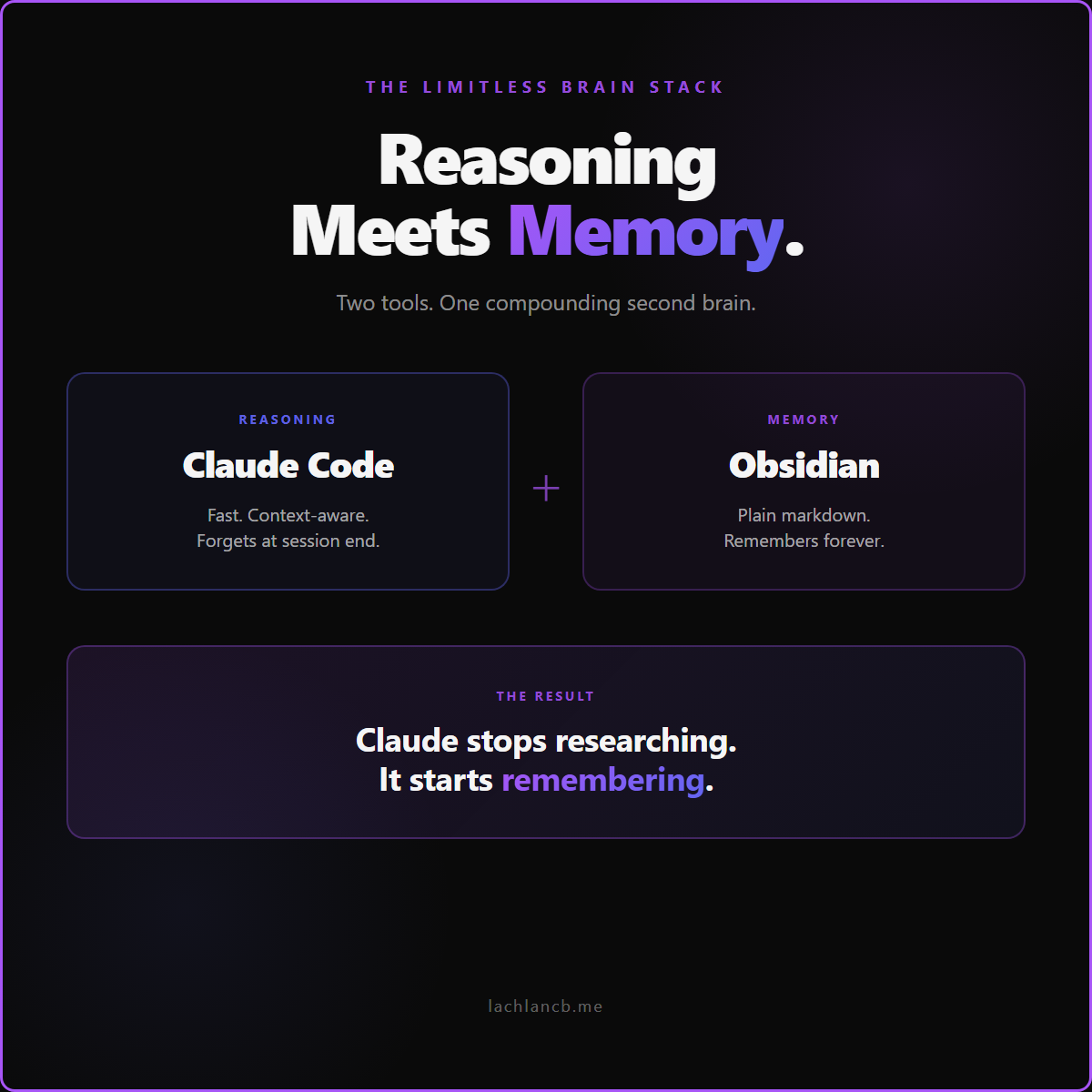
Put them together and something weird happens. Claude stops "researching" topics from scratch. It reaches into your vault, pulls the 3 most relevant notes, synthesises them, and writes an answer that's already aligned with how you think — because the source material is literally your own past thinking.
That's the closest thing I've found to the Limitless pill. Not intelligence. Compounding context.
What Actually Changes Day-to-Day
This isn't a productivity theory post. Here's what's different since I wired my vault into Claude Code:
- Cold topics get warm instantly. I ask Claude to draft a sales script for handymen, and it pulls from my local-sales-playbook.md — a file with every learning from 60+ cold calls. The first draft is already better than most people's final draft.
- Ideas surface that I'd forgotten I had. I mentioned a client problem and Claude responded with a framework I'd written six months ago in a throwaway diary entry. I had no memory of writing it. The vault did.
- Decisions get faster. Instead of thinking "have I decided this before?" I just ask Claude. If there's a past decision in the vault, it finds it. If not, we decide fresh and save the result — which feeds the next round.
- Content flows out of context, not out of thin air. Every blog post, newsletter, and social post I publish now starts with "here's the vault context — turn this into [format]." Writing stops being the hard part. The thinking is already done.
For a deeper look at how this stack replaces what used to take an entire team, see this post. The memory layer is the unlock.
The Setup (High-Level)
I'm not writing a tutorial — you can find 10 of those. Here's the architectural skeleton that actually matters:
- Put your Obsidian vault inside your dev workspace. Mine lives at
C:\Dev\knowledge\. Claude Code can read, grep, and edit it without any plugins or MCPs. - Write a CLAUDE.md at the root of the vault. This is the treasure map. It tells Claude what's in each folder, what to read first, and where to save new information. Without this, Claude wanders. With it, Claude navigates.
- Split the vault by purpose, not by topic. Mine has:
canonical/(identity + strategy),operational/(SOPs + templates),intelligence/(decisions + transcripts),crm/(people),projects/(active work),diary/(daily). Purpose-based folders tell Claude how to use a file, not just what it's about. - Point your custom skills at the vault. Every skill I write references specific files in the vault as its source of truth. If you're new to skills, I broke down how to build them here.
- Save back aggressively. Every meaningful conversation ends with Claude writing something new to the vault — a decision, a transcript summary, a CRM interaction, a lesson. The vault compounds because the AI is feeding it, not just reading it.
That's the whole system. It's embarrassingly simple. And it's why my Claude Code feels like it has a soul.
FAQ
Do I need an Obsidian plugin or MCP to connect it to Claude Code?
No. That's the whole point. Obsidian is just markdown files in a folder. Claude Code already has filesystem access — point it at the folder and it works. Plugins add friction where you don't need any.
How big can the vault get before it slows Claude Code down?
Bigger than you think. Claude doesn't load the whole vault into context — it greps, reads the relevant files, and moves on. My vault has 400+ notes and Claude handles it without breaking a sweat. The bottleneck is usually your CLAUDE.md clarity, not the file count.
Can I use Notion with Claude Code instead?
You can, via the Notion MCP. But it's slower, flakier, and you pay for every lookup. If speed and depth matter, Obsidian wins. If your team already lives in Notion, keep your team's docs there and build a personal Obsidian vault for AI work on the side.
What if I've never used Obsidian before?
Download it, create a vault in a folder your terminal can see, and start dumping. Don't overthink the structure. Let it grow organically for two weeks, then write a CLAUDE.md describing what's actually there. That's the backwards way — and it's faster than trying to design the perfect system upfront.
The Real Unlock
People keep asking me what's special about my Claude Code setup. It's not the skills, the prompts, or the rules. It's that my AI has a memory older than today's session — and that memory grows every time I use it.
If you're serious about building with Claude Code long-term, stop treating it as a stateless chatbot. Give it a vault. Let it live inside your second brain. Then watch how fast "new topics" stop existing — because almost nothing is new when your AI can reach back through everything you've ever thought, written, or decided.
That's the cheat code. Obsidian is the vault. Claude is the reasoning. You're the editor.
If you want to set this up for your own business and you're not sure where to start — book a free call here. I'll walk you through what the first 48 hours of your AI second brain should look like, no strings.